Premium
Premium allows you to create multiple profiles, have your profiles scored for each job application, and have responses generated for your application questions.
Ready to upgrade? Get Premium.
Why Premium?
Applying to jobs is a numbers game. The more jobs you apply to, the more likely you are to land an interview. With Premium, your odds increase now that you're no longer choosing between speed and quality. Profile scoring tells you how well you match with each role before you apply, and generated responses handle those company-specific application questions that usually take forever to write from scratch. Premium gives you the balance between applying fast and being a good fit for the role.
Multiple Profiles
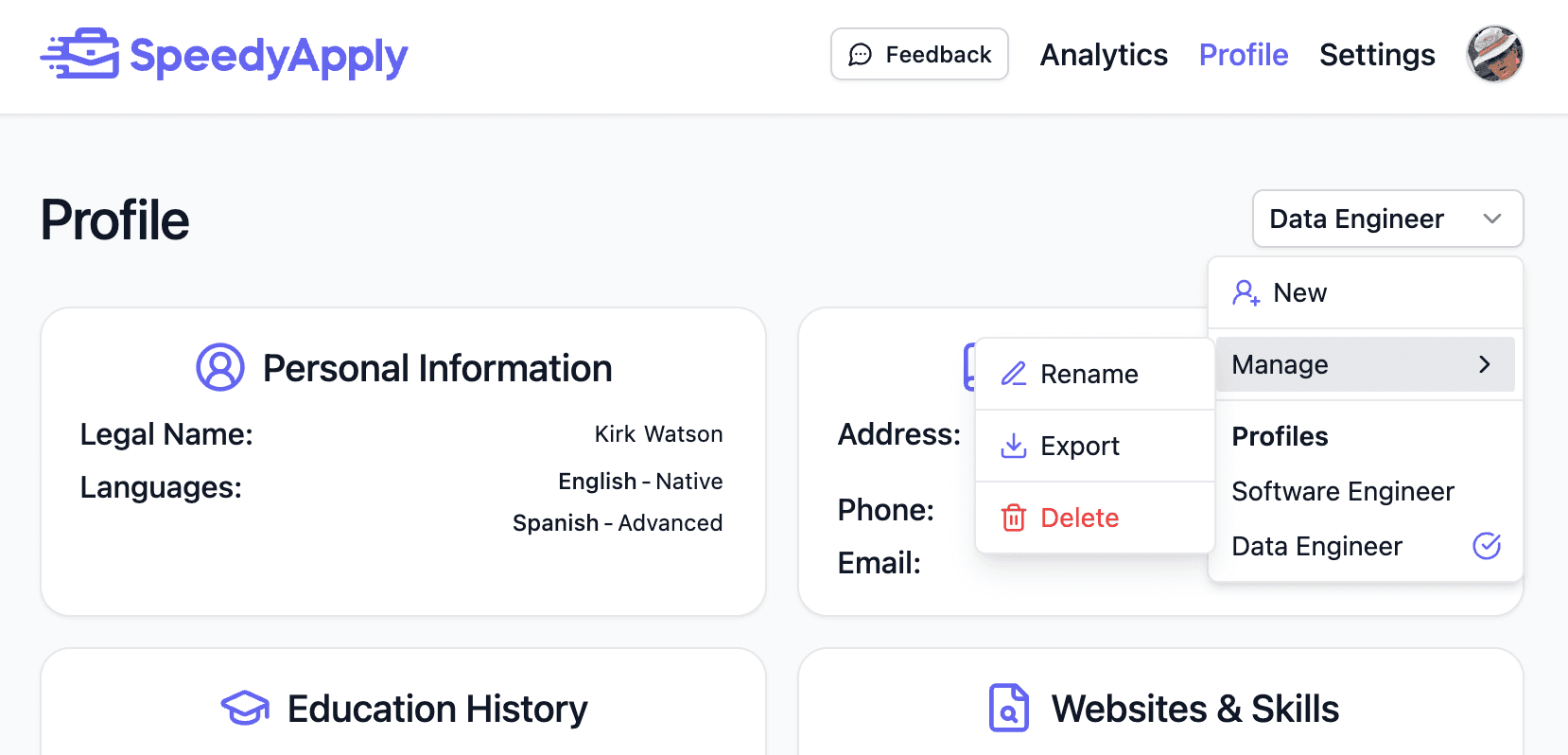
Instead of creating a tailored resume for each application, multiple profiles let you put your best foot forward depending on the role. For example:
- A backend developer profile vs a frontend developer profile
- A marketing strategist profile vs a content writer profile
- A sales associate profile vs a sales manager profile
You can create up to 4 profiles and switch between them based on the type of role you're applying to. Manage and switch between your profiles on the Profile page.
Profile Scoring
With multiple profiles, SpeedyApply can score each profile against a job application to help you choose the best fit before you apply.
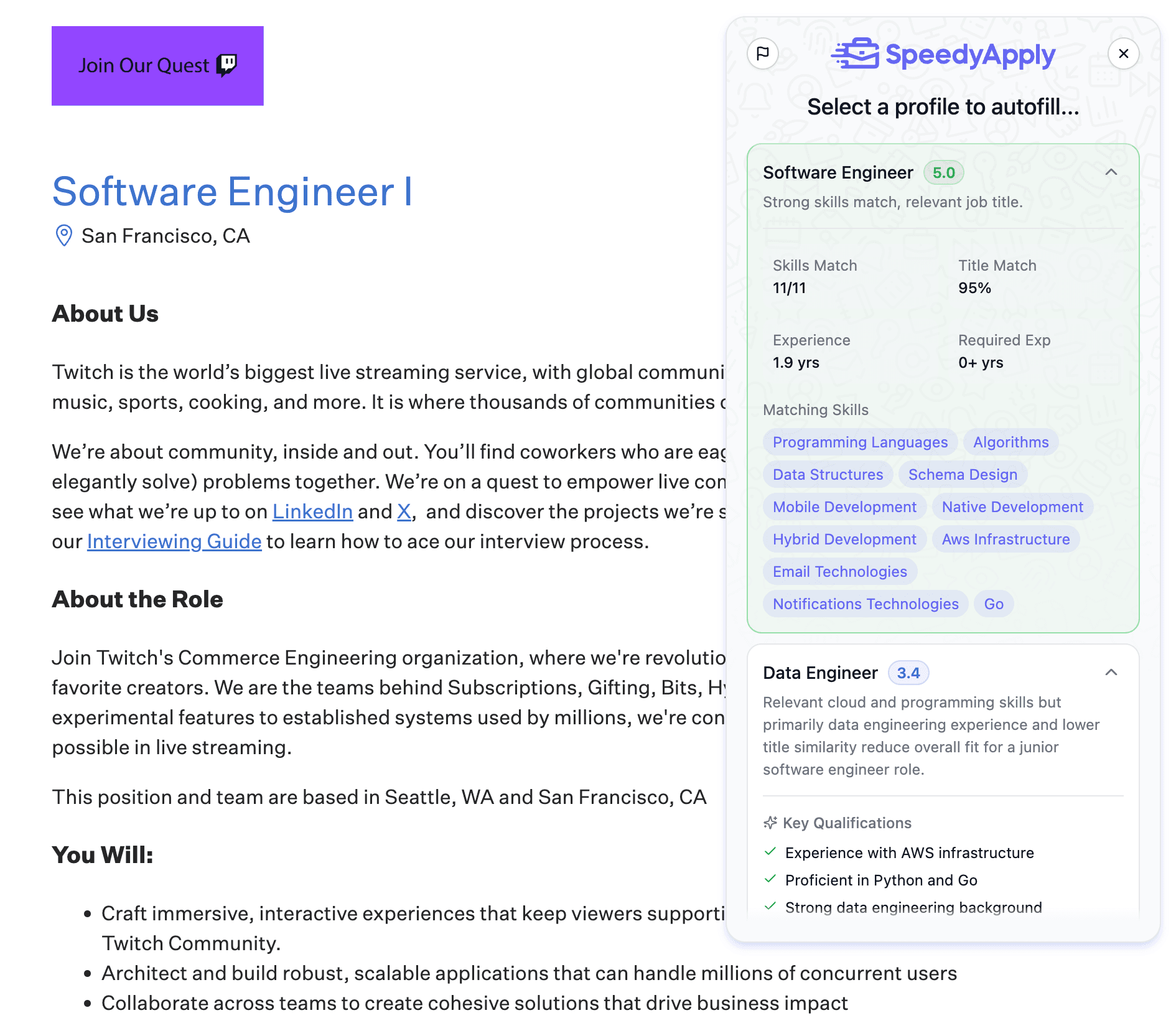
Each profile is scored and ranked with the following details:
- Overall Score — a rating out of 5 for how well the profile matches the role
- Summary — a brief explanation of the score highlighting strengths and gaps
- Key Qualifications — a checklist of the role's requirements that your profile meets
- Skills Match — how many of the required skills your profile has
- Title Match — how closely your job title aligns with the role
- Experience — your years of experience compared to what the role requires
- Matching Skills — the specific skills from your profile that match the job posting
Profile scoring is a new feature and we're always looking to improve it. If you have any feedback, please reach out.
Generated Responses
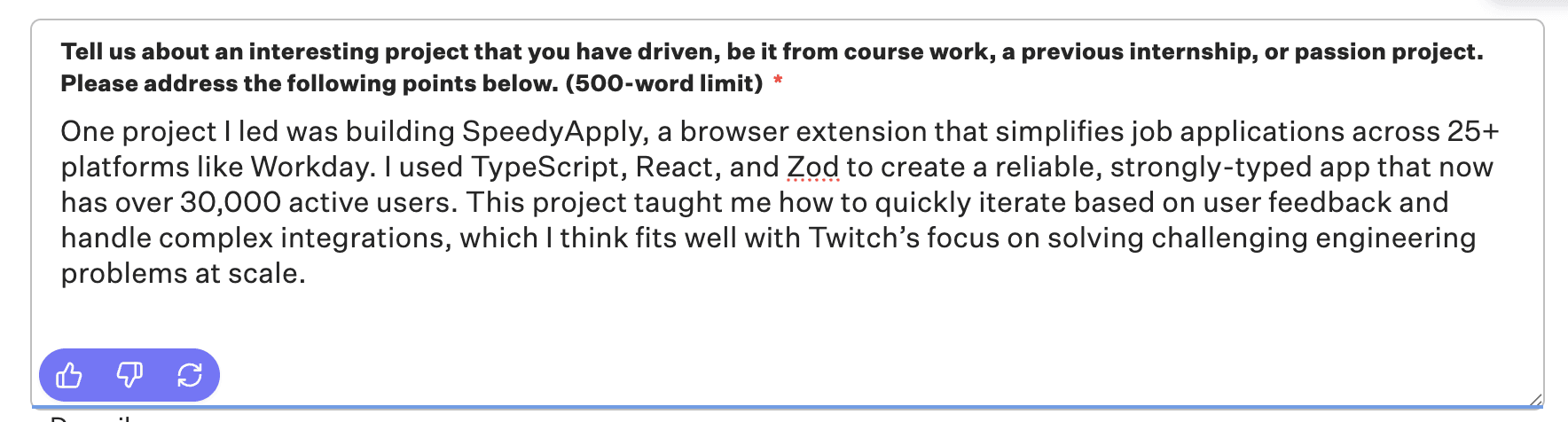
Have responses automatically generated for your application questions using AI. Instead of writing answers from scratch for every company-specific question, SpeedyApply can generate responses for you.
Adding Context
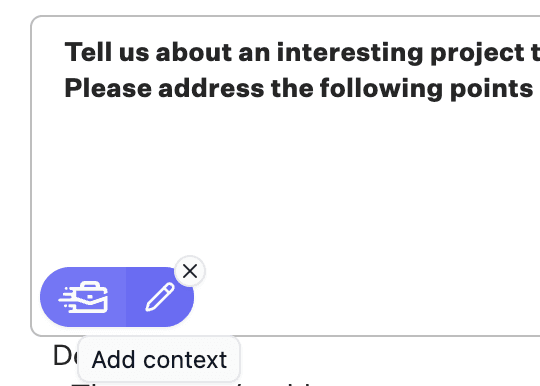
Click the Add context button to open the response field, type in any additional details you want the AI to consider, and submit to have that context used in the generated response.
Settings
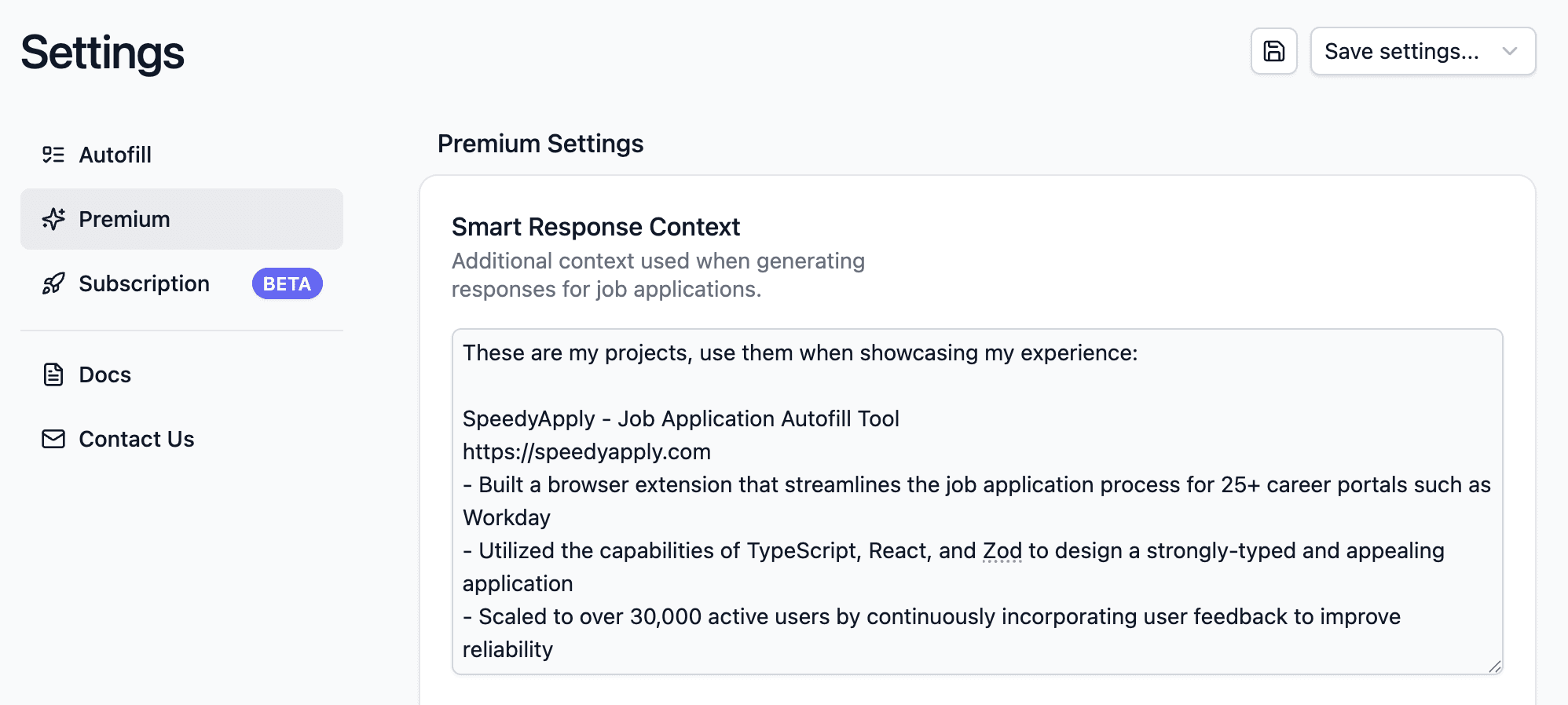
For context that you want applied to every generated response, head to the Premium Settings page to set your default context. This is useful for information like your projects, achievements, or experiences that you want referenced across all your responses.
Upgrade to Premium and start applying smarter. Get Premium →